Bilder online erstellen und bearbeiten
Beschreibe ein eigenes Bild oder lade Referenzfotos für eine Bearbeitung hoch. Wähle Modell und Format, melde dich an und prüfe vor dem Generieren die angezeigten Credit-Kosten.
Steuerung für eine klare kreative Richtung
Mit einem gezielten Prompt beginnen
Beschreibe Motiv, Licht, Bildaufbau und gewünschte Änderungen. Zum Bearbeiten kannst du bis zu zwei klare Referenzfotos hinzufügen, die du verwenden darfst.
Modell, Stil und Format wählen
Vergleiche verfügbare Modellstufen und Credit-Kosten. Wähle ein Seitenverhältnis und bei Text-zu-Bild einen visuellen Stil.
Ergebnisse und Aufgabenverlauf prüfen
Öffne ein fertiges Bild zur Vorschau und zum Download. Laufende, abgeschlossene und fehlgeschlagene Aufgaben findest du im Bildverlauf.
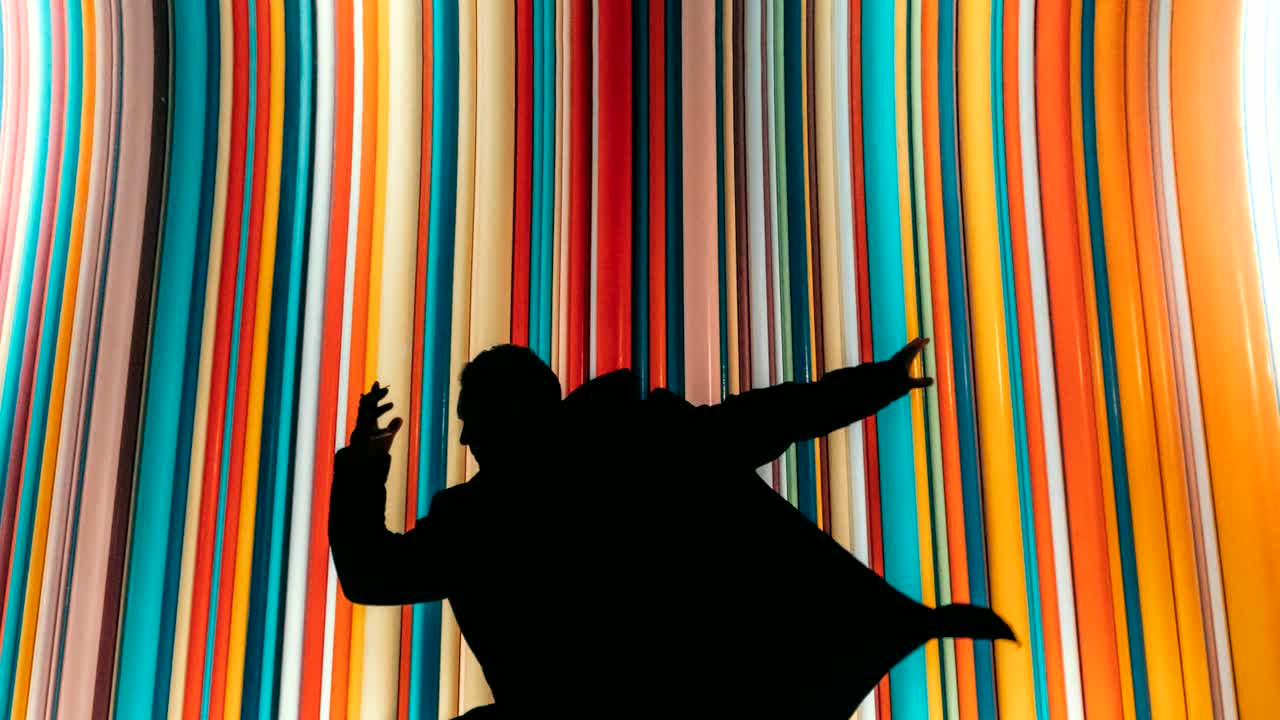
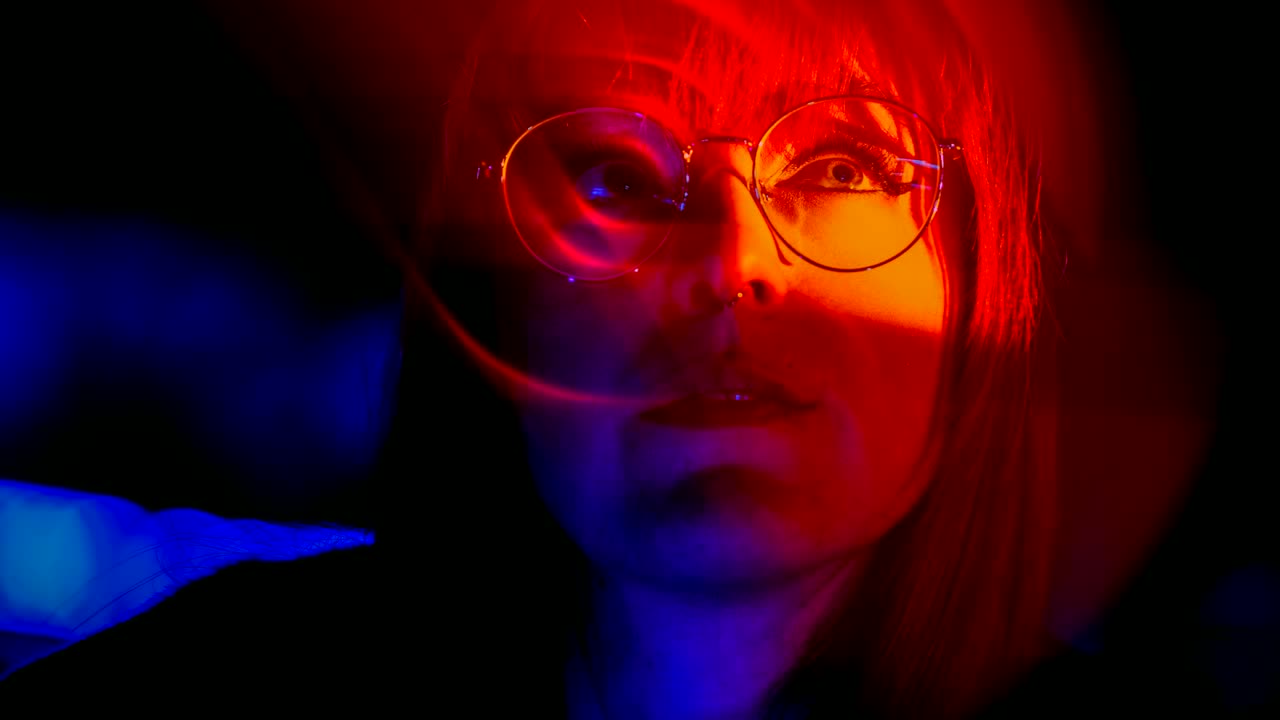
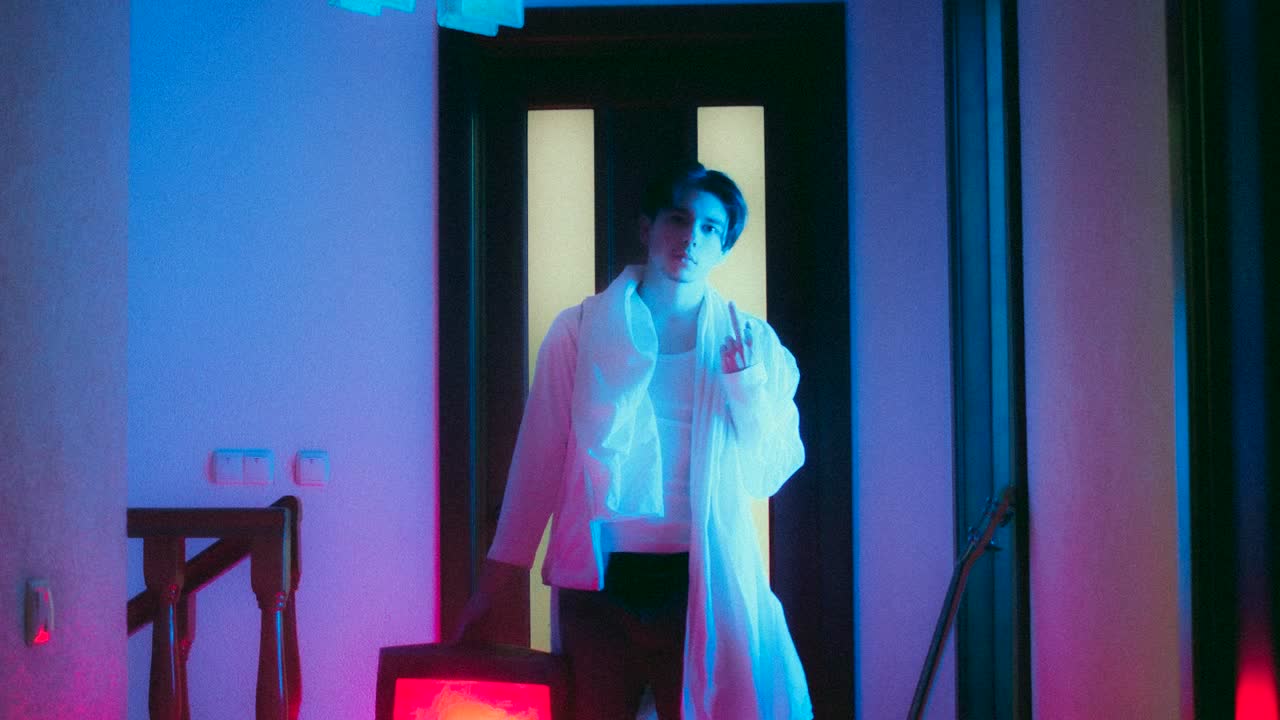
Visuelle Inspiration
Beispielbilder für kreative Richtungen. Dein generiertes Ergebnis kann abweichen.
Von deiner Idee zum herunterladbaren Bild
- 1
Gib einen Prompt ein und füge beim Bearbeiten eines vorhandenen Bildes Referenzfotos hinzu.
- 2
Wähle ein verfügbares Modell und Format, prüfe die Credit-Kosten und sende die Anfrage.
- 3
Prüfe das Ergebnis und lade es herunter oder passe die Beschreibung an und erstelle ein weiteres Bild.
Bereit für deine eigene Idee?
Wähle oben ein Modell, prüfe die Kosten und beginne mit der Erstellung.
Zurück zum Bild-MakerFragen zur Bilderstellung
Ist die Bilderstellung kostenlos?
Das Ansehen dieser Seite ist kostenlos. Die Erstellung erfordert Anmeldung und genügend Credits; die Kosten des gewählten Modells werden vor dem Absenden angezeigt.
Muss ich ein Foto hochladen?
Text-zu-Bild benötigt nur einen Prompt. Bild-zu-Bild-Bearbeitung erfordert ein oder zwei Referenzfotos. Verwende eigene Fotos oder solche, die du verwenden darfst.
Bleibt mein Foto exakt erhalten?
Aussehen, kleine Details, Schrift und Bildaufbau können je nach Modell abweichen. Prüfe das generierte Bild vor der Verwendung und passe bei Bedarf Prompt oder Referenz an.