
Crazy Frog AI video maker from photos
One rider photo is enough to start. An optional second photo gives the chaser a familiar face before the video step adds movement.
HomeCrazy Frog AI
YOUR PHOTO. AN INVISIBLE MOPED. A WILD CHASE.
Ride an invisible moped through a world of your own. This Crazy Frog AI video maker turns a rider photo and an optional chaser photo into a scene you can preview, then animate.
Preview your scene first. Animate it when you like the result.
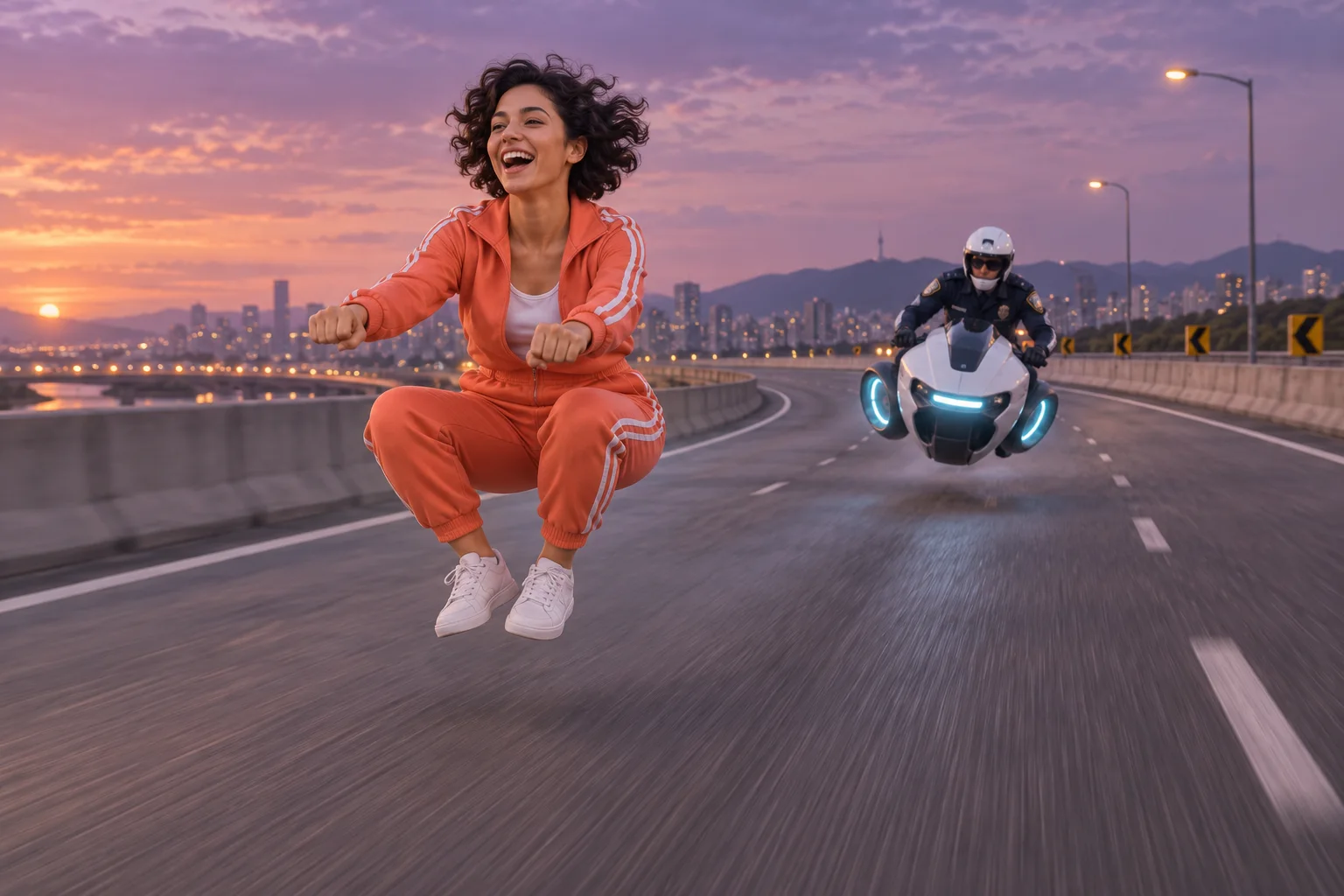 AI scene concept · illustrative image
Create an invisible moped scene, review the still preview, then animate it.
FROM A PHOTO TO THE CHASE
Create a still preview, check your rider and background, then spend credits to animate it.
Upload one clear rider photo. Add a second photo if you want a specific person as the chaser.
Choose one of eight backgrounds or upload your own. Generate a 16:9 still preview and check the faces, pose, and composition.
Select an available video model and 5 or 10 seconds. Download the video and add sound in your editor or social app.
YOUR RIDER. YOUR CHASE.
Start with the invisible motorcycle meme, then make the setting and motion your own.
One rider photo is enough to start. An optional second photo gives the chaser a familiar face before the video step adds movement.
Try an overpass, neon city, desert, snow, beach, Mars, candy world, or pixel game. Upload a background photo for another setting.
Upload, preview, animate, and download in your browser. Add a short motion note to guide the camera or chase.
THE IDEA BEHIND THE TREND
The trend puts a person into the Crazy Frog-style invisible motorcycle pose, often with a chaser and a moving camera. The joke is the invisible ride and frantic chase; it does not require turning anyone into a literal frog.
This Crazy Frog-inspired maker creates an original short scene with the image and video models available on this site. Preview your rider, optional chaser, and background before animating.
Use one person per photo, a visible face, and even lighting. A portrait showing the outfit helps; avoid sunglasses, heavy filters, and obstructed faces.
The maker does not include the “Axel F” recording. Add a licensed sound available in your publishing app or music you have permission to use.
BEFORE YOU START THE ENGINE
Upload a rider photo, optionally add a chaser, choose a background, and generate the still preview. Then select an available video model and animate 5 or 10 seconds. Download your result from the output panel.
You can explore the page for free. Scene previews and videos each use credits, with the cost shown before generation. Check your account balance or the pricing page for available credit packs.
The maker creates one 5 or 10-second scene at a time. It does not promise a fixed 14-second sequence or shot-for-shot recreation. Create multiple scenes and combine them in your editor if you want a longer video.
The “Axel F” recording is not included. Add music through a licensed social-app sound library or use audio you have permission to publish.
Yes. The first photo is the required rider reference; the second is an optional chaser reference. Use photos with permission and check the preview, since AI likeness and poses can vary.
Crazy Frog describes the creative trend on this page. Generation uses this site’s configured image and video models. Model availability and results can vary.
Yes. Choose one of eight presets or select your own background and upload a photo. The AI uses it as a scene reference; the final composition can differ.
Yes. Upload photos, preview the scene, animate, and download in your browser. Sign in and make sure you have enough credits for each generation step.
Failed tasks use the site’s automatic credit refund flow. Image and video tasks are billed separately. If video generation fails, you can retry animating your successful scene preview.
Start your Crazy Frog AI video with a rider, a background, and a scene preview.