
01
Pumpkin patch costume walk
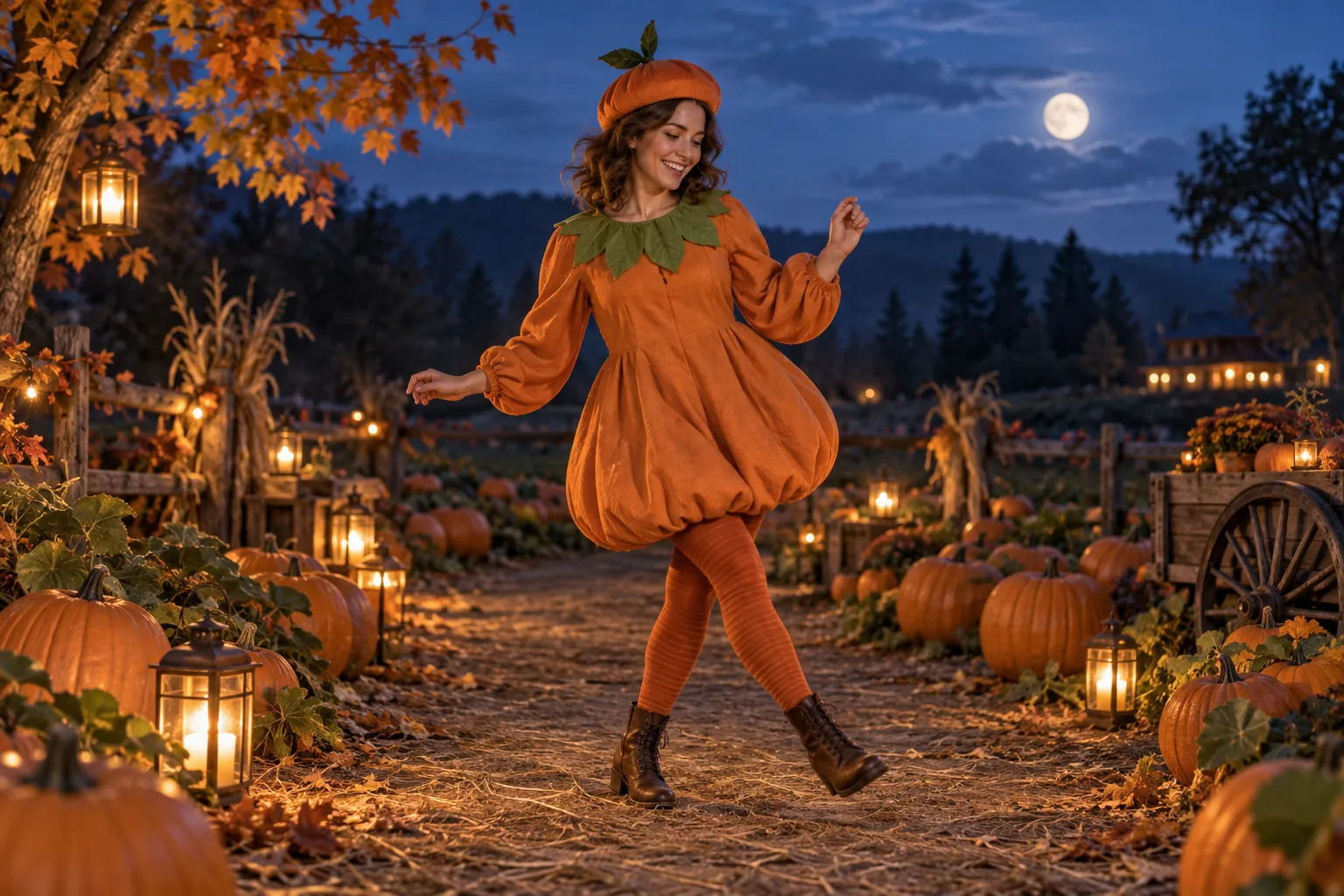
Warm lanterns, cool moonlight, and an original pumpkin-inspired outfit. A steady low camera follows a slow entrance with the full costume in view.
HALLOWEEN COSTUME WALKS · AI VIDEO MAKER
Give your Halloween look its own entrance. Create an original character or upload a photo, set the scene, and turn a costume walk or playful dance into a Ramalama-inspired short video.
Review a paid still preview before animating. Image and video generations use separate credits; costs appear in the maker.
Create an original Halloween character or add one photo, review your scene, then animate a costume walk or dance variation.
THE LOOK. THE WALK. THE REVEAL.
The Ramalama Halloween trend puts a costume and a confident entrance at the center of a short clip. A low camera, a slow walk toward the lens, and a clearly framed outfit make the reveal readable. This online Halloween video maker uses that idea as a creative starting point, with dance variations for your own seasonal scene.
Start with one performer and one simple movement. The generator follows scene and motion prompts; it does not copy a creator's exact choreography or automatically sync to a song.
THREE STARTING POINTS
Choose a scene in the maker, preview the costume and framing, then add a short movement direction before animating.
Warm lanterns, cool moonlight, and an original pumpkin-inspired outfit. A steady low camera follows a slow entrance with the full costume in view.
A vintage party hall and a playful monster-inspired outfit. Try a simple two-step and shoulder bounce with room around the hands and feet.
An original skeleton-print outfit under purple and teal lights. A small turn and relaxed sway create a lively Halloween dance variation.
FROM IDEA TO A MOVING CLIP
Leave the photo empty for an original adult character, or upload a clear photo you have permission to use. Choose pumpkin patch, retro ballroom, or neon skeleton.
Create a 16:9 opening image. Check the face, outfit, and space around the performer. Adjust the scene and generate another still if you want a different starting point.
Pick 5 or 10 seconds, a video mode, and optional generated audio. Review the moving result and download it. Add an available soundtrack and crop for your platform in your editor.
Create an original performer without a photo, or use your own portrait as a reference. Check resemblance in the still preview before spending credits on video.
Scene presets keep the action focused. Add a short note such as “walk slowly, keep the camera low” or “finish with a small shoulder bounce” to shape the motion.
Compare scene quality, video modes, duration, and audio choices with visible credit costs. Keep an approved still while trying another video setting.
This is the pumpkin scene's motion direction. The maker combines it with your approved opening image; the same wording can also help you plan your own costume walk.
Animate this original Ramalama-inspired Halloween costume scene. Take slow confident steps toward the camera for a costume reveal. Let the cape move naturally; finish with a slight smile. Maintain a misty pumpkin-lined garden path with warm lanterns at twilight. Preserve the single character, face and costume from the approved preview. Use one steady low-angle medium-wide 16:9 shot; keep the whole body and face visible. Use smooth natural movement. No extra people, cuts, text or watermarks. Optional sound should be original spooky ambience, not an existing song.
It creates an original Halloween scene and a prompt-guided costume walk or dance clip. Choose one of three moods, review a still, then animate it for 5 or 10 seconds. The result is inspired by the trend rather than an exact recreation of an existing video.
Yes. Leave the optional photo empty to create an original adult character. Upload one clear photo if you want to use a person's appearance as a reference, then check the generated still for resemblance.
Browsing scenes and copying the prompt is free. Image and video generations require sign-in and sufficient credits. Their separate costs are shown before you submit; creating a new preview uses image credits again.
The maker generates a 16:9 scene and a 5 or 10 second clip. Download the result and crop or reframe it to 9:16 in your editor for vertical platforms. Keep the performer centered to leave room for cropping.
No. Some video modes can generate audio, but the original song and automatic beat synchronization are not included. Add music that is available for your use in your editor or publishing platform.
Each scene has a starting motion: a pumpkin costume walk, a ballroom two-step, or a neon groove. Add up to 200 characters of direction. Movement and costume continuity depend on the model, so review the video before sharing.
Failed or canceled tasks follow the site's credit refund flow. A failed video does not remove your successful still preview, so you can retry animation. Submitted tasks can also be checked in your image and video history.
The presets favor original costumes, gentle lighting, and simple motion. Use a clear reference photo and keep custom directions focused on a friendly entrance or dance. Review faces, hands, outfits, and the overall mood before posting.
Choose a scene, preview your character, and make your own short seasonal clip.