
RainDance AI video maker from photos
Use two separate reference photos to create one shared scene. The image step brings both people into the same frame before the video step adds motion.
HomeRainDance AI
TWO PHOTOS. YOUR OWN BEACH STORY.
Put yourself and someone you love into a sunlit beach scene. Our RainDance AI video maker brings two photos together, lets you review the scene, and turns it into a moving moment.
Create your scene first. Animate it when you are happy with the result.
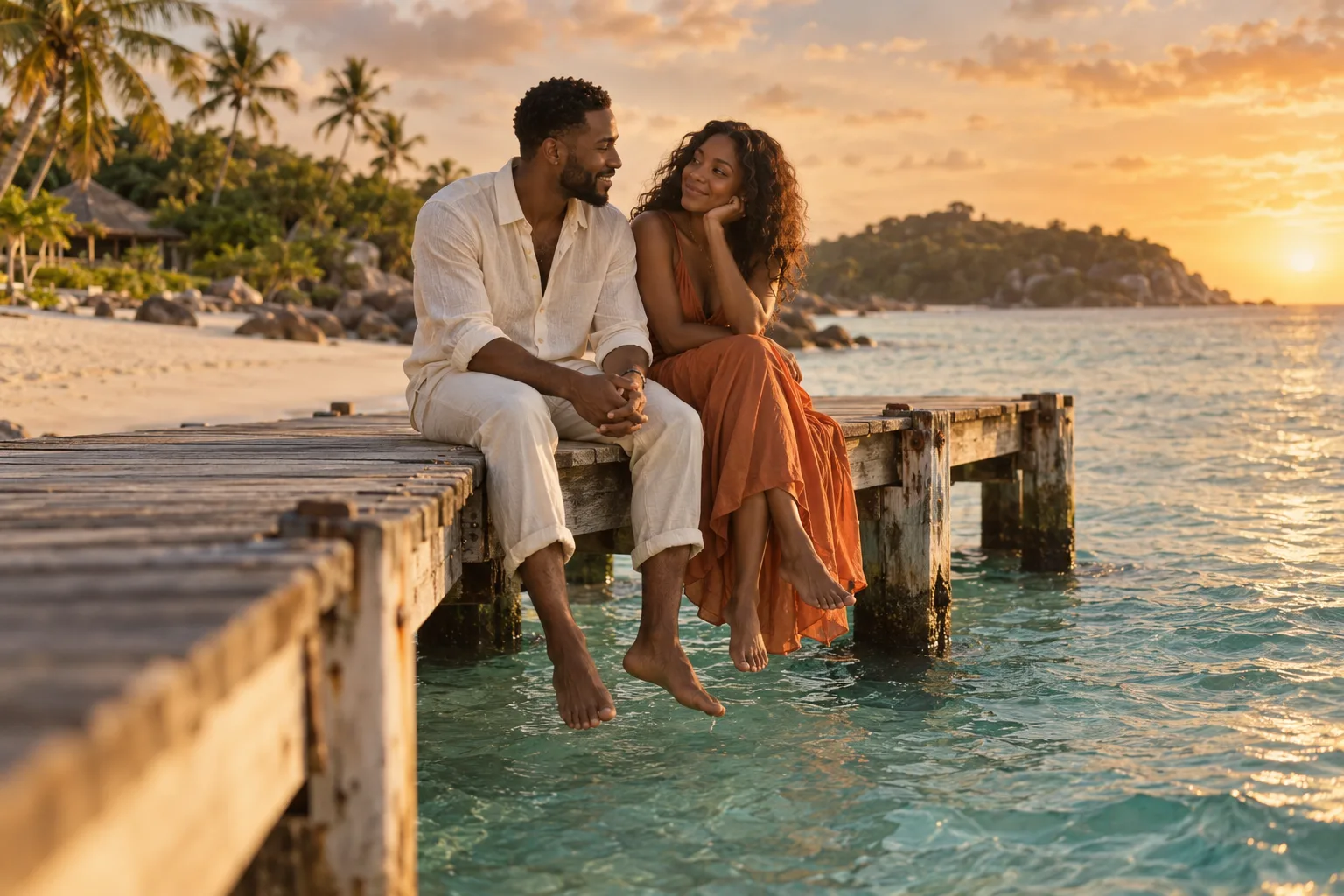 AI scene concept · illustrative image
Create a scene with both people, review the still image, then animate it in a separate step.
FROM PHOTOS TO A SHARED MOMENT
A simple, guided workflow with a separate preview step, so you choose the scene before spending credits on video.
Choose one clear, well-lit photo of each person. Front-facing faces and visible outfits give the maker better references to work from.
Choose a dock, beach duet, or sunset setting. Generate a 4:3 still image, then check both people and the composition before continuing.
Pick a video mode and a 5 or 10-second duration. Download the finished clip and add your chosen sound in TikTok, Reels, or your video editor.
YOUR PEOPLE. YOUR VERSION.
Use the beach-duo idea as a starting point, then choose the setting and movement that feel like you.
Use two separate reference photos to create one shared scene. The image step brings both people into the same frame before the video step adds motion.
A quiet moment on a wooden dock, a playful beach duet, or a sunset together. Each preset gives the AI a focused scene instead of an entire film in one prompt.
Upload, preview, animate, and download in your browser. Add an optional motion note for a gentle camera move, a smile, or a breeze through the scene.
THE IDEA BEHIND THE TREND
The RainDance trend pairs two people with a beach-and-dock music-video setting, often shared with “Raindance” by Dave and Tems. AI versions let people imagine themselves, a partner, or a friend in that setting using photos.
This RainDance-inspired maker creates an original short scene with the image and video models available on this site. Start with the dock, beach duet, or sunset preset, review the still preview, and animate your favorite result.
Use one person per photo, keep faces unobstructed, and choose similar lighting. Avoid sunglasses, heavy filters, and mirror selfies. A waist-up portrait helps the AI understand clothing as well as the face.
The maker does not supply the “Raindance” recording or promise matching lip sync. Add an available licensed sound in the app where you publish.
A FEW THINGS TO KNOW
Upload one photo for each person, choose a scene, and generate the still preview. Once you like the composition, select an available video model and animate a 5 or 10-second clip. You can download the result from the output panel.
The page is free to explore. Generating the scene preview and generating the video are separate actions that each use credits. The maker shows the current cost before each action; available credits and credit packs are shown in your account and on the pricing page.
This maker generates one 5 or 10-second scene at a time. It does not automatically recreate the full 28-second, 11-shot sequence. You can make multiple scenes separately and arrange them in your own editor.
The “Raindance” song is not included, and exact lip sync is not guaranteed. Use the sound library in TikTok or Instagram, or music you have permission to use, when editing or posting your clip.
Yes. Use a separate, clear photo for each person, with their permission. The two images are used together to generate the scene preview. AI likeness can vary, so check both faces before choosing to animate.
RainDance describes the creative trend and scene presets on this page. Generation uses the image and video models configured on this site. The maker shows the available video models; output quality and motion can vary between models.
Failed tasks use the site’s existing automatic credit refund flow. Scene and video tasks are billed separately, so a successful scene preview remains usable if video generation fails. You can retry animating that preview without generating the image again.
Give the RainDance AI video maker two photos and a scene. Take it from there, one preview at a time.