
One photo, one main character
Use a photo of yourself or someone you have permission to feature. The reference guides your character’s face, hair, and outfit across the scene and animation.
HomeWitch Broom AI
ONE PHOTO. A LITTLE MAGIC.
Your everyday photo, a rustic broomstick, and a flight above the trees. Create a cinematic takeoff with our Witch Flying on Broom AI video maker—no green screen or prompt writing needed.
Create a scene preview first, then animate it. Each step uses credits shown before you generate.
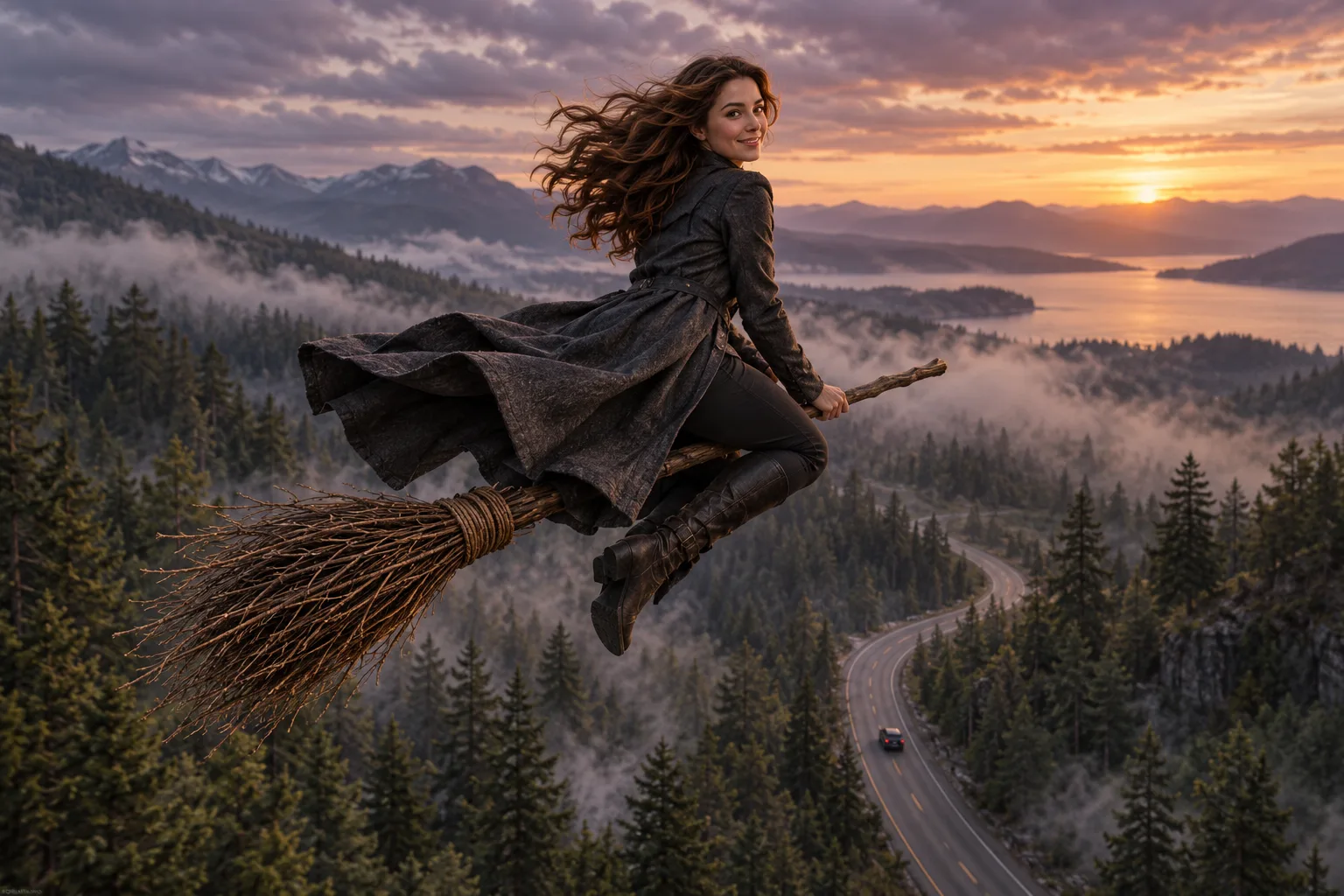 AI concept illustration
Upload one photo, choose a flight setting, review the opening scene, then animate your broomstick takeoff.
FROM PHOTO TO BROOM FLIGHT
This online witch flying video maker builds the scene with you. Check your preview before spending credits on the animation.
Choose one sharp portrait or full-body photo with a visible face and outfit. Use JPG, PNG, or WebP up to 10 MB, and select a forest, moonlight, or sunset scene.
Generate a still of your character beside a car on a quiet road, holding a twig broom. Check the face, outfit, and composition before you animate.
Choose an available model and duration, add optional motion direction, and generate your flight. Download a successful video from the result or your library.
YOUR PHOTO. YOUR FLIGHT.
Turn a familiar portrait into an original fantasy scene, with controls for your setting and the finished clip.
Use a photo of yourself or someone you have permission to feature. The reference guides your character’s face, hair, and outfit across the scene and animation.
Rise above misty pines, drift through a moonlit landscape, or take off in warm evening light. Each setting uses the same broom-flight story.
Review the still, select an available video model, and see the current credit quote for each step. A short motion note can guide the camera or takeoff.
THE BROOM FLYING VIDEO TREND
The witch flying on broom trend starts with a casual walk beside a slow-moving car. A glance back, a step onto a rustic broomstick, and the scene opens into a flight over the forest. It pairs an everyday photo with an unexpected fantasy moment.
Use this Halloween broom video maker for a costume reveal, a playful “my ride is here” post, or an atmospheric fantasy clip. AI follows scene and motion directions; the exact movement, facial details, and camera path can vary between generations.
A sharp waist-up or full-body photo gives the model more visual context than a tightly cropped face. Keep hands and hair visible when possible. Avoid crowded backgrounds, heavy face filters, and objects covering the face.
When supported by the selected model, you can choose original generated audio. A TikTok trending song is not included; add music you are allowed to use in your publishing app.
BEFORE YOU TAKE OFF
It turns a photo into a fantasy broom-flight scene and then animates that scene. The story begins on a quiet road beside a car and follows your character mounting a broom and rising above the trees. You review a still preview before creating the video.
The scene preview and the video are separate credit-based generations. The maker shows the current cost before each action. Check your balance and the pricing page before generating; changing your model, quality, or duration can change the video cost.
The maker starts with a 10-second selection. Available durations and resolutions depend on the configured model and are shown in the settings. Scenes use vertical 9:16 framing for TikTok, Reels, and Shorts.
No particular song or recording is supplied. If your selected model supports audio, it can generate original sound. You can also add suitable licensed music or platform sounds when you publish the finished video.
Use one well-lit photo with a clear, unobstructed face and visible hair and outfit. A waist-up or full-body image helps establish the riding pose. Upload JPG, PNG, or WebP up to 10 MB, and only use photos you have permission to use.
No. The preset supplies the scene and flight directions. Choose your photo and setting, review the generated still, and animate it in the browser. An optional short motion note lets you guide the movement without writing a full prompt.
Choose misty forest, moonlit flight, or warm sunset. Each preset prepares the road-and-broom starting scene and guides the corresponding airborne landscape. Everyday outfits and Halloween costumes can both work.
Yes. Upload a photo you have permission to use and generate a vertical 9:16 preview followed by a video. Download a successful result and upload it to TikTok, Reels, or Shorts. Publishing and adding platform audio happen in those apps.
Processing time depends on the model, clip settings, and provider queue. The maker displays the task status while it runs, and successful generations remain available in your library. A fixed delivery time is not guaranteed.
A failed generation follows the site’s existing credit refund process. If the video fails, you can keep a successful scene preview and retry the animation. A completed clip may differ from the concept illustration or requested choreography; review every result before posting.
KEEP CREATING
Explore another scene with the same preview-first workflow.
Create a witch flying on broom AI video from your own photo. Choose the atmosphere, review your scene, and give your character a magical exit.