AI PET DANCE · PHOTO TO VIDEO

AI Pet Dance Video Generator

A little bounce. A paw shuffle. A whole lot of personality. Turn your favorite cat or dog photo into an original AI pet dance video, ready for your next short-form post.

One photo · Editable dance styles · Model-based credit quote

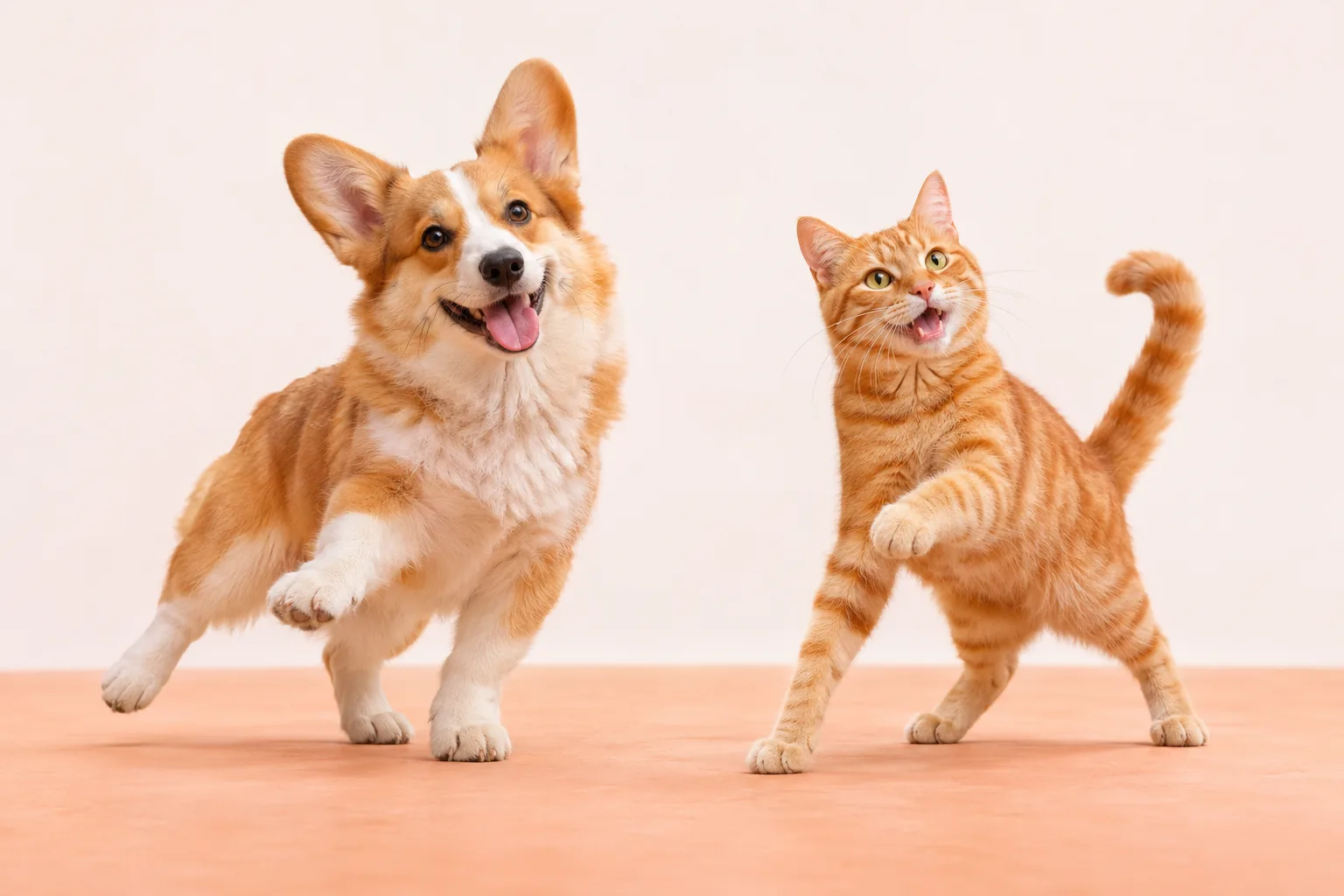
AI concept illustration of a corgi and orange tabby cat in playful dance poses on a warm peach studio floorAI concept illustration

Small paws. Main-character energy.

Illustration, not a generated video result.

Creative control panel

AI Pet Dance Video Maker

Upload one clear, full-body pet photo, choose a dance preset, then edit the motion if you like. This maker creates original motion from your photo and prompt.

Start with a 5-second test video

If your account has free credits, you can use them to test generation. Each video uses credits based on the model, resolution and duration, with the cost shown before you generate.

Motion presets

Presets contain editable English motion instructions. Keep them or write your own direction in your preferred language.

Enhanced native audio • Cinematic motion with stronger dialogue synchronization

Duration
Terms · Acceptable Use


How to make an AI pet dance video

Create a pet dance video online in three steps. No animation software or filming session required.

  1. 01 / Upload your pet photo

    Choose a clear photo of one cat, dog or other pet you have permission to use. JPG, PNG and WebP are supported, up to 10MB. Keep the full body and paws in frame.

  2. 02 / Give it a dance style

    Pick a cute bounce, paw shuffle or disco turn. Edit the prompt to change the pace and mood, then choose an available model and duration. Review the credit quote before generating.

  3. 03 / Generate, review, download

    Sign in, confirm image-use permission and generate. Follow the task status, then play and download the finished MP4. You can also find your clip in your video history.

One pet dance maker. Plenty of personality.

AI cat dance video maker

Give your tabby a small head bob, a playful paw shuffle or an easy side-to-side sway. A clear view of the ears, whiskers and coat helps the model keep your cat recognizable. Start with restrained movement before trying a busier routine.

AI dog dance video generator

Turn a corgi, golden retriever or another dog photo into a cheerful dance moment. Ask for a soft body bounce and alternating paw steps while keeping the original face, ears and tail. One dog and a steady camera make a stronger starting point.

Pet dance video maker for social posts

Create a playful clip for TikTok, Instagram Reels or YouTube Shorts. Download the MP4, then trim, crop and add licensed music in your editor. Generation follows the source image’s framing; this page does not add captions or publish to your accounts.

From a pet photo to a dance video

Give a still photo a little rhythm. Start with a gentle bounce, a playful paw shuffle or a small disco turn, then describe the energy you want. The pet dance maker uses your photo as its starting point and generates a new performance. It aims to retain your pet’s face, coat and markings, although fine details can change.

Find your pet’s signature move

Three starting points for original AI pet dance motion. Each preset fills the editable prompt in the maker above.

01

Cute bounce

A soft side-to-side bounce, small head bobs and tiny paw lifts. An easy first choice for a cute cat dance or a relaxed dog groove.

02

Paw shuffle

Short alternating paw steps with an upbeat body bounce. Keep the whole pet in frame and let the paws do the talking.

03

Disco turn

A slow quarter turn, a light sway and a playful finishing pose. Simple disco energy with a steady full-body shot.

Try this dance

A better photo makes a better dance

Use one pet with its face, paws and tail clearly visible. Choose even lighting, a simple background and enough space around the whole body. A front-facing or slight three-quarter pose works better than a tight face crop. Keep the dance short and simple to reduce distorted paws or changing markings.

  • One pet, full body, visible paws
  • Clear face and fur markings, even light
  • Simple background and room to move

AI can alter anatomy or markings, especially with large spins or complex motion. Review the output and simplify the prompt if needed.

AI pet dance maker: your questions

What is an AI pet dance video generator?

An AI pet dance video generator turns a still animal photo into a short dancing clip. This maker combines your photo with an editable movement prompt, so you can request a bounce, paw shuffle or turn without recording your pet dancing.

Can I upload a reference dance video?

This page uses a pet photo and a written motion prompt. Reference-video uploads, exact choreography transfer and automatic beat synchronization are not supported. Describe the movement you want or start with one of the three presets.

Which pet photos work best?

Use a sharp, well-lit full-body photo of one pet, with a clear face and visible paws. A simple background and space around the animal help. Cats and dogs are good starting subjects; unusual species, cropped limbs and multiple animals can be harder to animate consistently.

Is the pet dance video maker free?

Browsing the page and editing presets is free. Generating a video uses credits; any welcome credits depend on your account. The maker shows the current cost for the selected model and duration before submission. Additional attempts also use credits.

How long are the videos, and what resolution can I choose?

The available durations and resolutions come from the live model configuration. The maker initially selects Seedance 2.5 at 720p when available and starts at 5 seconds. Check the current model and duration choices for the supported options and credit price.

Does AI pet dance include music or beat synchronization?

Audio behavior depends on the selected model. This maker does not accept music uploads, supply a trending song or synchronize movement to a chosen beat. For a specific soundtrack, download the video and add music you have the right to use in your editor.

Can I use the dancing pet video on TikTok or Reels?

You can download the finished video as an MP4 and prepare it for TikTok, Instagram Reels or YouTube Shorts. Use a suitable source-photo crop, then adjust the video framing and add captions or licensed audio in your editor. You control where and how you publish it.

Will the AI preserve my pet’s exact appearance?

The prompts ask the model to preserve the pet’s species, face, fur markings and proportions, but exact likeness and natural anatomy are not guaranteed. Use a clear photo and modest motion. If paws, coat patterns or facial details change, try a simpler prompt.

What happens if generation fails?

The task shows its status and any available error message. Failed or canceled tasks follow the existing credit refund rules. A completed video that you want to change requires a new generation and another credit charge; check your credit balance and video history for the result.

Your pet has the look. Give it a little rhythm.

Start with one favorite photo and make an original pet dance video online.

Make my pet dance